You are at
the counter.
The line is
behind you.
Which card?
Your phone should already know.
You walk.
It watches the street.
Turn location on once. After that there is nothing to open and nothing to tap. The phone knows what is around you.
Diner Card. 4×.
By the door, the answer is already on the Lock Screen: the card, the rate, and the $7 credit that ends tomorrow.
A different card wins.
Same wallet, same walk. The answer follows the shop, not a menu you have to remember.
Even the cover you would forget.
The rate points at one card. The collision cover lives on another. It tells you both, before you sign.
The key on the card.
Refresh finds where you are now and rewrites the answer, without opening the app.
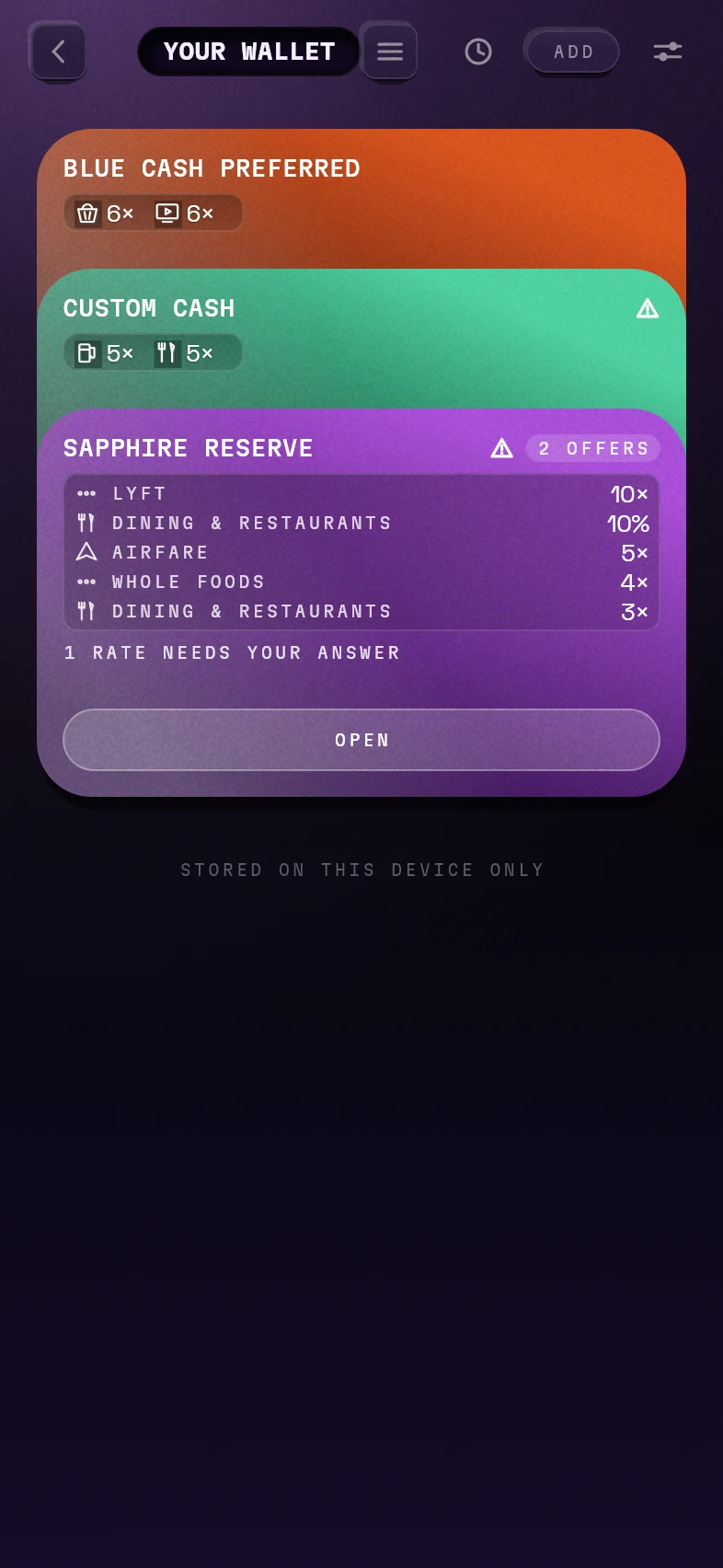
Stacked like the real thing.
Tell it the cards you carry, once, by hand or by voice. The list lives on your phone. It is card products, never a number.
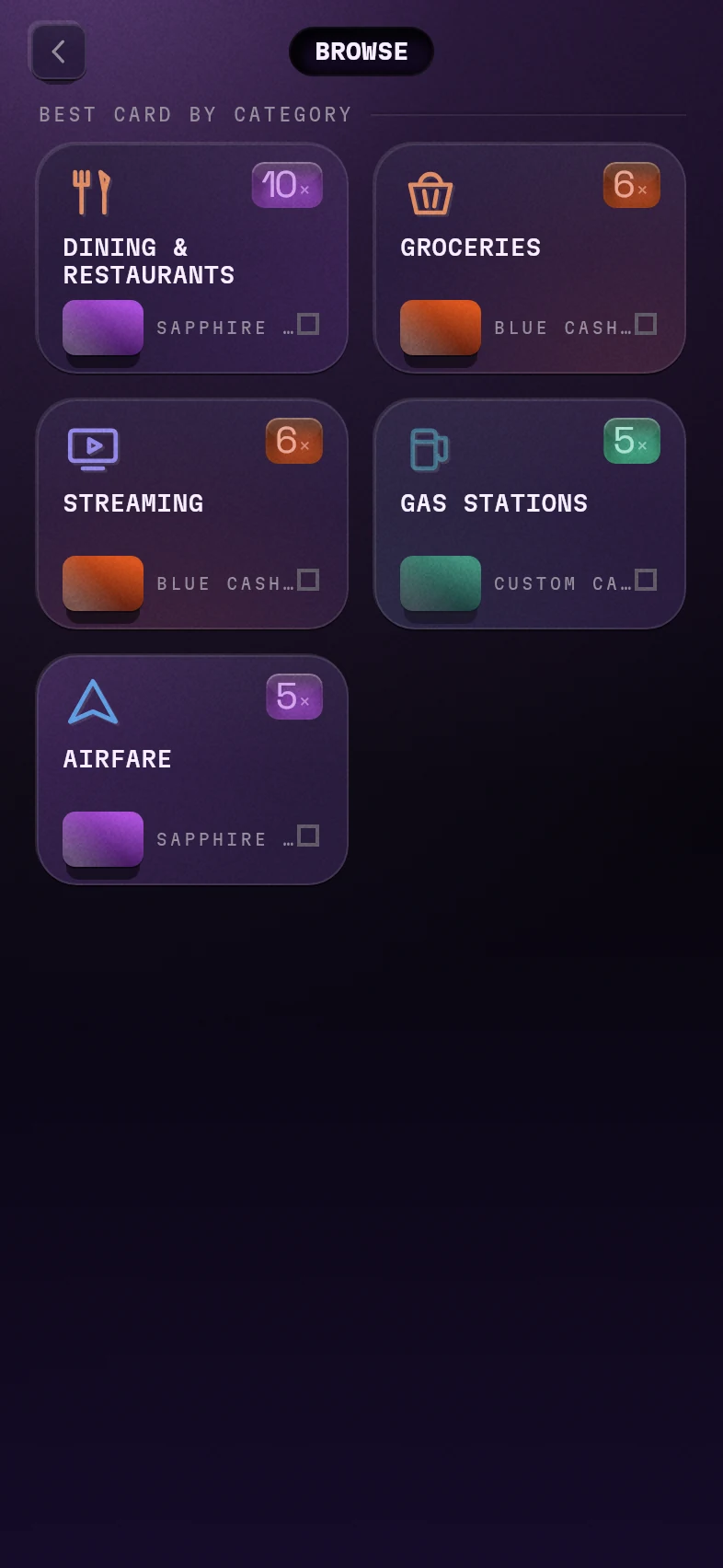
The best card for each kind of spend.
Dining, groceries, gas, streaming, airfare. One winner per row, with its rate.
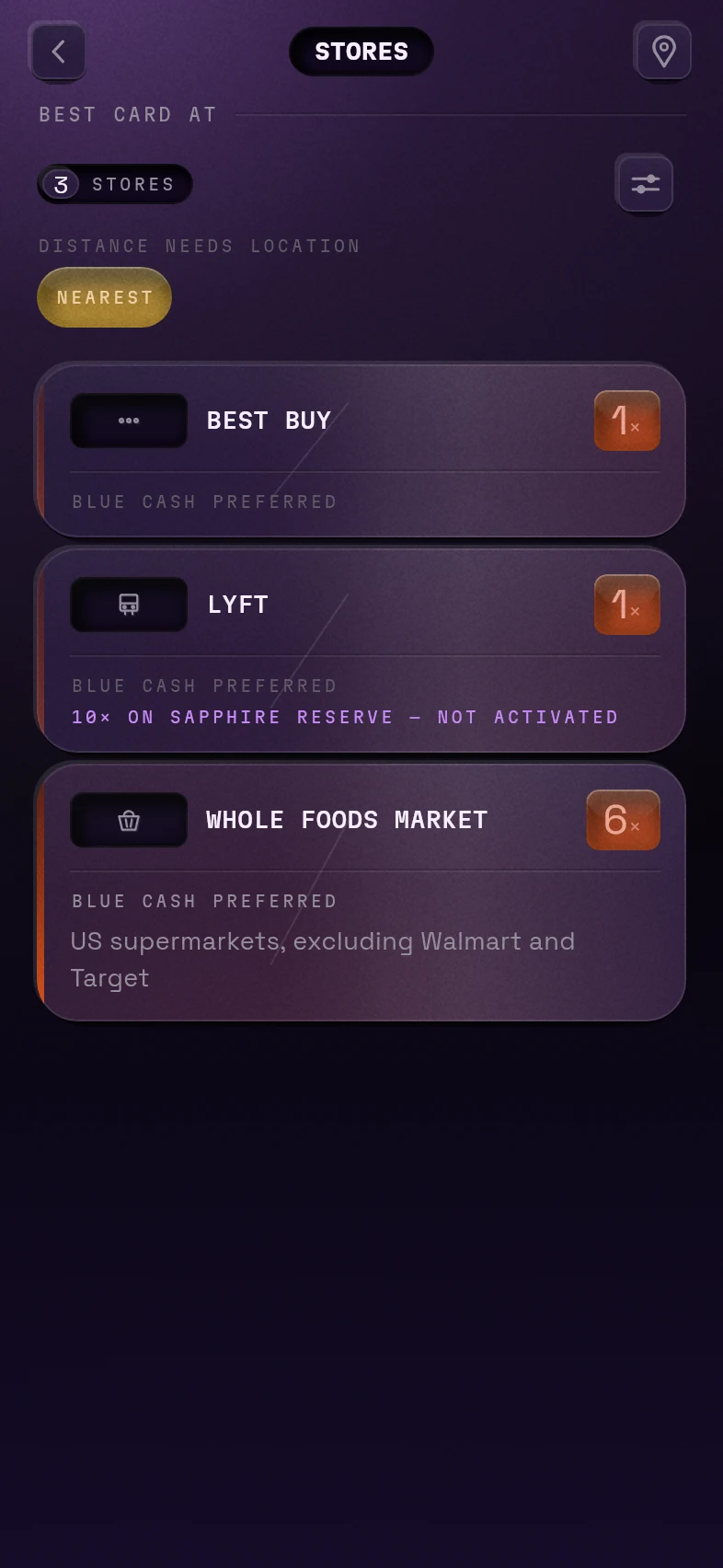
Or ask about a shop.
Look up any store. If it has a credit or an offer on one of your cards, it shows up with the rate.
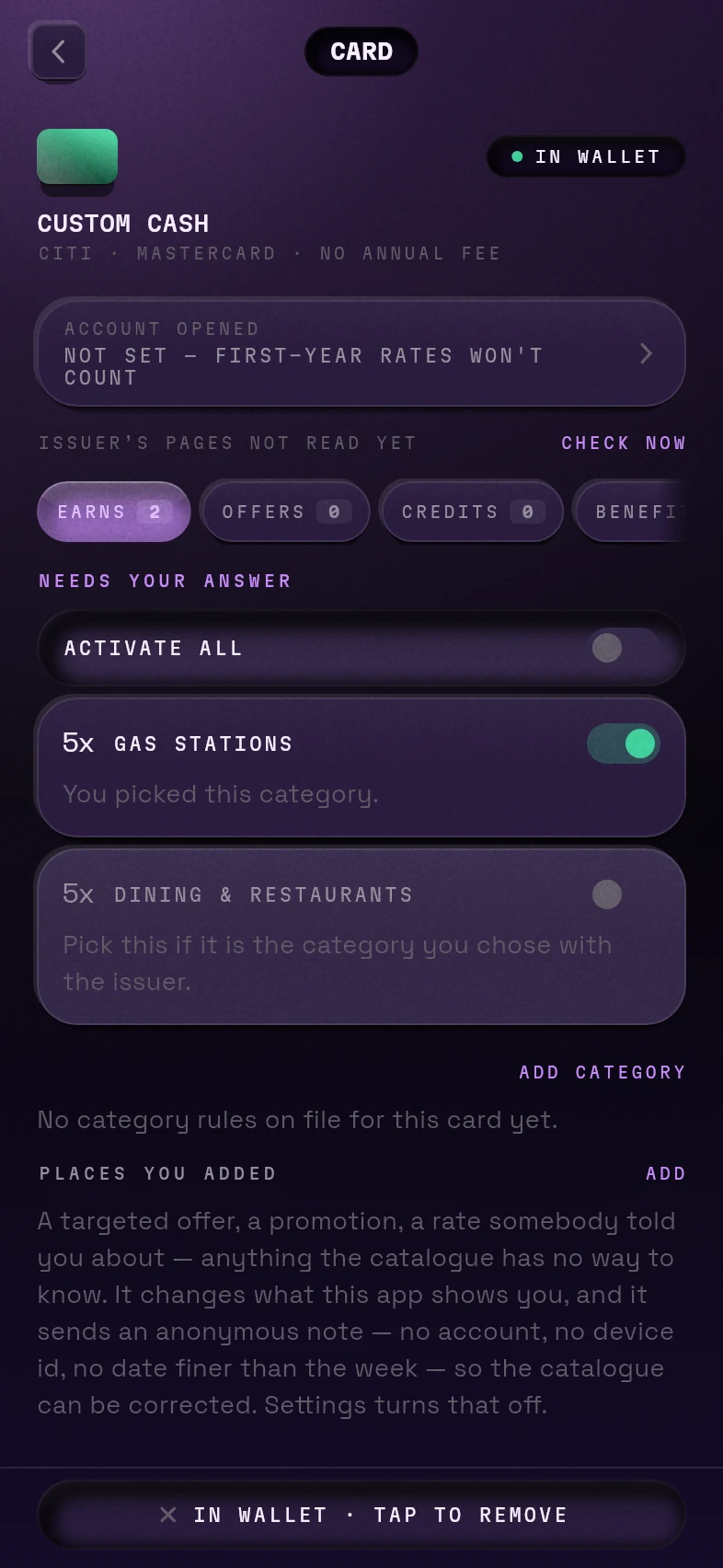
Every rule, named.
Earn rates, credits, offers, benefits. And where a rule needs your answer, it asks you instead of guessing.
Rendered from the running app · sample data
Two cards,
one purchase,
both bonuses.
The community posts ways to split one purchase across cards to hit two bonus categories at once. Only where someone has confirmed it works at a real register.
Stays live. Enough evidence, strong agreement.
Discarded. One card beats a coin flip.
Held back. Three people is not evidence.
It collects them, so you do not.
Your issuer quietly gives you offers at specific shops. They rotate monthly, and they often beat the printed rate. The browser extension reads them while you are signed in, so they land in the answer, not in an email you never opened.
Never a bank login.
You sign in to your issuer yourself, in your own browser. There is nothing for us to hold, so nothing for us to lose, and no service logging in as you.
Encrypted before it leaves.
Your offer list is sealed with a key that never reaches us. We can’t read it. Your card list is products, never a card number. The privacy page says exactly what we can and cannot see.
It asks for two. Not all.
Storage, and your issuer’s offers pages. Other tools in this category request access to every site you visit. We don’t need it, so we don’t ask.
It goes quiet.
Every tool that reads bank sites meets a redesign. Ours checks its own work and throws away a whole read rather than pass along one number that might be stale. Nothing instead of something wrong.
No spend tracking · No social feed · An account is optional. The wallet works signed out, and always will.
Coming to
the App Store.
Purple Wallet for iPhone is on its way, free. When it is live, the link will be here. The browser extension for Chrome and Safari follows.
Questions, or want to hear when it opens? team@purplewallet.app
Coming soon